
As someone who’s been part of the construction industry for years, I’ve always believed in the power of visuals to communicate ideas, inspire confidence, and demonstrate expertise. Timelapse videos, in particular, can showcase the hard work and precision behind every project. Whether you’re a builder, contractor, or property developer, creating timelapse videos is a powerful way to highlight your skills and attract new clients.
Thanks to Animoto, creating these stunning videos has become easier than ever. With its drag-and-drop tools and user-friendly interface, you don’t need to be a tech wizard to produce professional-grade content.
In this guide, I’ll take you through everything you need to know to create professional timelapse videos using Animoto, tailored specifically for the construction industry.
What You’ll Learn in This Blog
The Importance of Timelapse Videos for Builders
Understand why timelapse videos are an essential tool for showcasing construction projects and engaging with clients.
How Animoto Simplifies Video Creation
Explore Animoto’s tools and features that make video creation accessible and effective.
Step-by-Step Guide to Creating Timelapse Videos
A detailed walkthrough of how to create, edit, and enhance your timelapse videos.
Adding Your Branding and Personal Touch
Learn how to apply your logo, colours, and fonts to create consistent, professional content.
Best Practices for Sharing and Marketing Your Videos
Discover strategies to maximise your video’s reach and impact on various platforms.
How Professional Videos Support Your Business Goals
See how high-quality videos can enhance your reputation, generate leads, and grow your business.
The Importance of Timelapse Videos for Builders
In the construction world, trust is everything. Clients want to see that you’re reliable, efficient, and capable of delivering high-quality results. Timelapse videos provide a visual narrative of your expertise. By condensing weeks or months of work into a few captivating minutes, these videos allow potential clients to witness the transformation of a site from start to finish.
Here are just a few ways timelapse videos can benefit builders:
Showcase Progress: Highlight key milestones and the overall transformation of a project.
Demonstrate Efficiency: Prove your ability to manage timelines and deliver results.
Engage Your Audience: Capture the attention of prospective clients, partners, or investors.
Build Credibility: Visual proof of your work builds trust and reinforces your reputation.
How Animoto Simplifies Video Creation
Creating professional videos used to require expensive equipment, specialised software, and technical expertise. Animoto has changed that. With its intuitive platform, you can create stunning videos in just a few steps. Here’s why Animoto stands out:
Drag-and-Drop Interface: Animoto’s user-friendly tools make video editing accessible to anyone, even those with no prior experience.
Professional Templates: Choose from a variety of pre-designed templates, perfect for workplace and marketing needs.
Custom Branding: Save your company’s colours, fonts, and logo for consistent branding.
Cloud-Based Tools: Access your projects from anywhere and collaborate with your team seamlessly.
Step-by-Step Guide to Creating Timelapse Videos
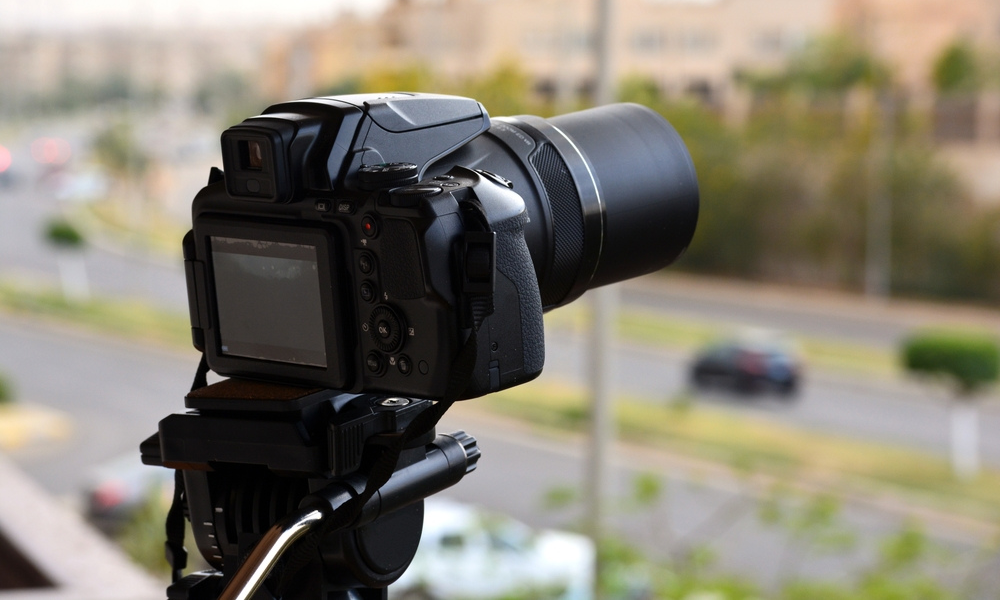
Now, let’s dive into the process of creating your timelapse video. Follow these steps to produce professional content effortlessly:
1. Gather Your Footage
Start by collecting timelapse footage of your project. You can use cameras mounted on-site, drones for aerial shots, or even smartphone apps designed for timelapse recording. Ensure your footage captures the key stages of your construction process, from groundwork to final completion.
2. Upload to Animoto
Log in to your Animoto account and upload your footage. Simply drag and drop your clips into the editor. If you find any gaps in your footage, Animoto’s Getty Images stock library provides high-quality visuals to fill them.
3. Choose a Template
Select a template that suits your project’s theme. For example:
Use the “Product Demo” template to highlight key stages of your build.
Opt for the “Real Estate Listing” template if your video showcases a property development.
4. Edit and Enhance
Trim your footage to focus on the most impactful moments. Use Animoto’s tools to add:
Transitions: Smoothly shift between clips for a polished look.
Animations: Highlight details or key points with animated text or graphics.
Effects: Make your video more engaging with visual effects like zoom or pan.
5. Sync with Music
A well-chosen soundtrack can elevate your video. Animoto offers thousands of licensed songs to choose from. Select music that matches the tone of your project—upbeat and energetic for modern builds, or calm and refined for luxury properties.
Adding Your Branding and Personal Touch
Customisation is key to making your videos stand out. With Animoto, you can:
Add Your Logo: Place your logo on every video to reinforce your brand identity.
Save Your Colours and Fonts: Apply your company’s branding consistently across all projects.
Include Captions: Add text overlays to label different phases of the construction process or highlight key achievements.
These features not only make your videos look professional but also help clients associate your brand with quality and expertise.
Best Practices for Sharing and Marketing Your Videos
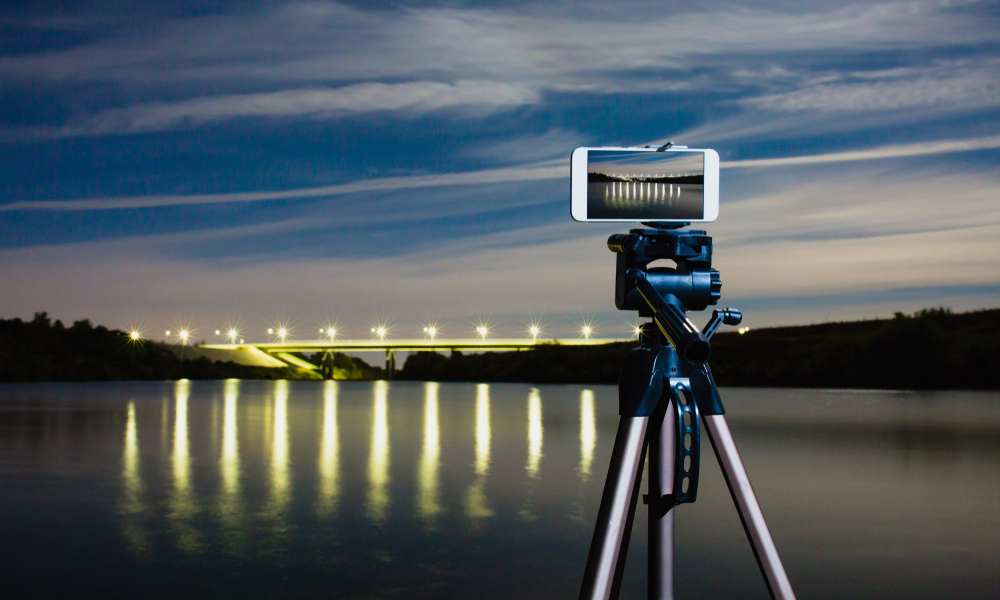
Creating a great video is just the beginning. To maximise its impact, you need to share it strategically. Here’s how:
Social Media: Post your videos on platforms like LinkedIn, Instagram, and Facebook. Use industry-specific hashtags to reach your target audience.
Email Campaigns: Embed your video in newsletters or proposals to impress potential clients.
Website: Add your timelapse video to your homepage or portfolio page to showcase your work.
Client Presentations: Use videos in meetings or pitches to add a dynamic element to your presentation.
Animoto’s built-in sharing tools make it easy to distribute your videos across multiple platforms. Plus, its analytics features allow you to track viewer engagement and refine your strategy.
How Professional Videos Support Your Business Goals
High-quality timelapse videos do more than just look impressive—they actively contribute to your business growth. Here’s how:
Attract New Clients: Visual content is more engaging than text or static images, making it easier to capture attention.
Build Your Reputation: Professional videos reflect your commitment to quality and attention to detail.
Generate Leads: Videos shared on social media or via email can drive traffic to your website and generate inquiries.
Enhance Client Relationships: Showcasing your work demonstrates transparency and builds trust with existing clients.
Why Choose Animoto for Timelapse Videos?
Animoto isn’t just a tool—it’s a solution designed to make video creation effortless and effective. Its features are perfectly suited to the needs of builders, from intuitive editing tools to professional branding options. Whether you’re creating a promotional video, a project showcase, or an internal update, Animoto empowers you to tell your story in a compelling way.
Call to Action
Creating timelapse videos is a smart investment for any construction business. But to truly stand out online, you need a comprehensive digital marketing strategy. That’s where we come in.
Get a Free Marketing Plan Today
Our team specialises in helping construction companies like yours thrive in the digital space. From SEO to social media, we provide tailored solutions to help you grow your business. Contact us now for a free consultation and start building your success story.
With Animoto, creating professional timelapse videos has never been easier. By following the steps outlined above, you’ll not only produce stunning content but also position your construction business as a leader in the industry. Ready to start? Visit Animoto today and begin your journey to creating videos that inspire, impress, and win clients.