
The construction industry is transforming rapidly, and visual content plays a pivotal role in showcasing innovation, communicating effectively with stakeholders, and winning projects. As someone deeply entrenched in this field, I’ve seen how the strategic use of technology can elevate presentations, marketing, and even internal communication. AI-powered tools are a game-changer for creating visual content that is professional, impactful, and efficient.
In this guide, I’ll explore how to use AI tools to craft engaging visuals tailored to the unique needs of construction businesses. Whether you’re based in Perth like me or working internationally, these strategies and tools can help you stand out.
What You’ll Learn
Here’s a roadmap of what you’ll take away from this guide:
Why Visual Content Matters in Construction: The importance of visuals in enhancing communication and storytelling.
Top AI Tools for Visual Content Creation: A closer look at five powerful platforms and how to use them effectively.
How to Leverage AI for Marketing in Construction: Strategies to improve your online presence and engage clients.
Case Studies of AI in Action: Real-world examples from the construction industry.
Overcoming Challenges with AI: Tips to maximise benefits while avoiding common pitfalls.
Next Steps to Boost Your Visual Content Game: A clear action plan to get started today.
Why Visual Content Matters in Construction
Visual content is more than just eye-catching—it’s functional. It simplifies complex ideas, engages stakeholders, and makes your work more relatable. In construction, this might mean:
Winning Clients: Detailed renderings and animations help clients visualise the outcome of their projects.
Improving Communication: Clear visuals bridge the gap between technical drawings and client understanding.
Strengthening Marketing: Well-designed visuals build your brand’s credibility and attract more business.
With the rise of social media and digital platforms, the demand for compelling visuals has only increased. AI tools make this process more efficient, saving time and resources while delivering professional-grade results.
Top AI-Powered Tools for Visual Content Creation
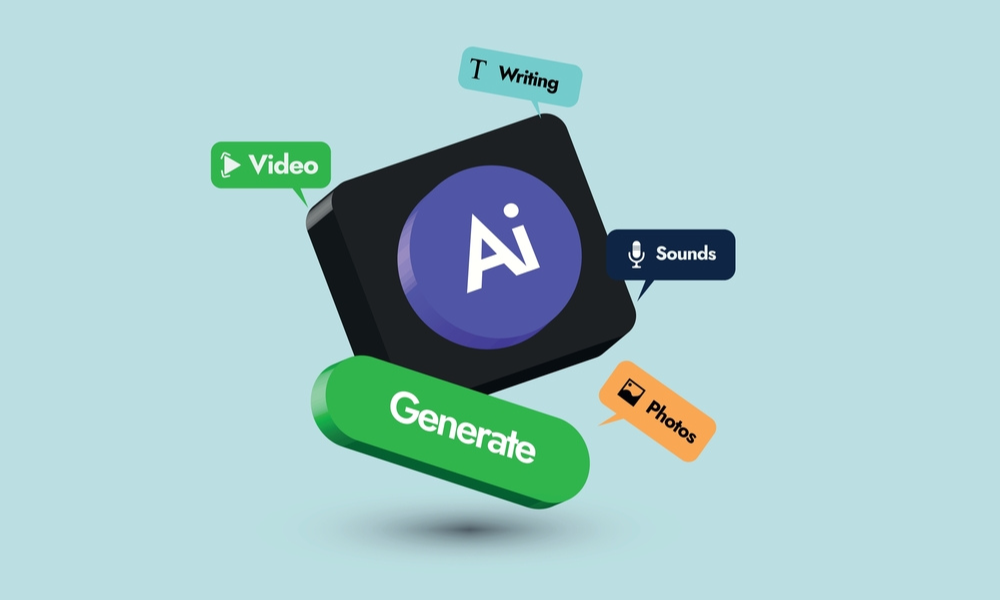
Let’s dive into the tools that can help construction businesses create exceptional visual content.
1. Canva: Simplified Visual Design
Canva is a versatile platform that allows even beginners to create polished designs. It’s ideal for crafting everything from marketing materials to internal reports.
Key Features for Construction:
Smart Resize: Automatically adjusts your designs for different platforms, saving hours of manual effort.
Background Remover: Clean up site photos for presentations or marketing materials.
Design Suggestions: Gain inspiration and refine designs with AI-based recommendations.
Use Canva to create project timelines, showcase before-and-after transformations, or highlight safety protocols in an engaging format.
2. Adobe Creative Cloud: Advanced Capabilities
Adobe’s suite is renowned for professional-grade tools like Photoshop and Premiere Pro, with AI features integrated to enhance efficiency.
What Makes Adobe Great for Construction:
Adobe Sensei: Automates tasks like resizing, object removal, and layout suggestions.
Auto Reframe: Quickly adapt video content for various platforms and aspect ratios.
Content-Aware Fill: Edit images with precision, removing or adding elements seamlessly.
For construction professionals, Adobe tools are perfect for creating immersive project walkthroughs, video testimonials, or interactive site maps.
3. Runway ML: Creativity Without Limits
Runway ML offers tools for image and video creation using AI, making it a go-to platform for innovative projects.
How It Stands Out:
Image Generation: Use pre-trained models to generate visuals from simple text descriptions.
Style Transfer: Apply artistic filters to project renders, adding a creative edge.
Object Detection: Identify and highlight specific elements in photos or videos.
Its real-time editing feature is a game-changer, allowing teams to tweak visuals during live presentations or stakeholder meetings.
4. Artbreeder: Remixing Ideas
Artbreeder is unique in its ability to combine and remix existing images, helping you generate fresh visuals.
Key Benefits:
Blending Images: Combine renders or photos to explore design variations.
Customisation: Adjust styles and colours to align with branding or client preferences.
This tool is particularly useful for A/B testing, allowing you to present multiple design options and gather feedback effectively.
5. OpenAI DALL-E: Turning Words into Images
DALL-E transforms textual descriptions into high-quality visuals, making it an excellent tool for prototyping.
Construction Applications:
Concept Visualisation: Describe your idea and watch it come to life.
Quick Drafting: Create rough sketches or mood boards without involving a design team.
While it takes some practice to craft precise prompts, DALL-E offers unparalleled creative flexibility.
How to Leverage AI for Marketing in Construction
AI tools aren’t just for project visuals; they can also revolutionise your marketing efforts. Here’s how:
1. Highlight Past Projects
Create detailed case studies or portfolios with high-quality visuals to showcase your expertise. Tools like Adobe Creative Cloud are ideal for adding animations or transitions to make your portfolio stand out.
2. Simplify Technical Concepts
Use infographics and animations to explain complex processes, such as sustainable building techniques or innovative construction methods. Canva and Runway ML are excellent for this purpose.
3. Build a Strong Online Presence
Engaging visuals are crucial for social media and your website. Tools like Canva help create branded content optimised for platforms like LinkedIn, Instagram, and YouTube.
4. Engage Clients with Personalised Content
Customise your visuals to address client-specific needs. For example, use Artbreeder to generate renders tailored to their preferences or DALL-E to visualise their ideas.
Case Studies: AI in Action

Example 1: Winning Bids with Immersive Visuals
A Perth-based construction company used Adobe Creative Cloud to create an interactive 3D walkthrough of a proposed project. The result? A 50% increase in successful bids.
Example 2: Enhancing Safety Campaigns
A multinational firm used Canva to design clear, engaging safety infographics. These visuals were shared on-site and across social media, boosting awareness and compliance.
Example 3: Social Media Success
A small construction business leveraged Runway ML’s image-generation tools to create eye-catching posts. Their follower count doubled within three months.
Overcoming Challenges with AI
While AI tools are powerful, there are a few considerations to keep in mind:
Creativity Matters: AI can assist, but it can’t replace the human touch. Always review and refine AI-generated content to align with your brand’s voice.
Copyright Concerns: Be cautious when using AI tools that rely on shared datasets. Ensure you have the right to use and modify generated content.
Learning Curve: While tools like Canva are user-friendly, others like Adobe Creative Cloud may require some initial training.
Next Steps: Getting Started with AI Tools
Ready to transform your visual content strategy? Here’s how to begin:
Identify Your Needs: Determine what type of content you need—renders, animations, infographics—and select tools accordingly.
Experiment: Start with free trials or basic versions of tools like Canva or Runway ML to get a feel for their features.
Invest in Training: If you choose advanced tools like Adobe Creative Cloud, consider online tutorials or professional courses.
Collaborate with Experts: Partner with digital marketing professionals to integrate visuals seamlessly into your broader strategy.
Let Us Help You Succeed
If this feels overwhelming, don’t worry. My team specialises in digital marketing for construction businesses. Contact us for a free marketing plan, and we’ll help you create a strategy that drives results. Let’s make your construction business stand out with visuals that truly impress.